NightScape Lab vs Starry Landscape Stacker
This is the comparison people ask about most. Starry Landscape Stacker is a mature, genuinely excellent one-click stacker for the Mac. If you want to stack and be done, it's a fine choice. NightScape Lab is for the other kind of photographer: the one who wants the whole landscape-astrophotography workflow in the NightScape Lab desktop app, with a Lightroom Classic plugin and a Photoshop panel included, on a clean base image they control. It also runs on Windows, which SLS never has.
It stacks in one click
SLS has been the go-to Mac nightscape stacker for years, and it earned that reputation. It masks the sky, registers the stars, blends the foreground, and hands you a stacked result fast, with almost nothing to learn. For someone who wants a clean stack and no fuss, it does exactly that, and it does it well. I'm not here to talk anyone out of it.
SLS's exported file breaks white balance in Photoshop
SLS hands Photoshop a file in ROMM with a premultiplied (associated) alpha 4th channel. Once that lands in Photoshop, white-balance and color moves stop behaving the way they should. The alpha is baked into the pixels, so your adjustments fight it. It's specific, it's verifiable, and it's the kind of thing you only notice after you've already started editing.
NightScape Lab holds the stack as a clean 3-channel 16-bit linear ProPhoto base image, and if you finish it in Photoshop, Photoshop color-manages it correctly. White balance, curves, your whole grade: all of it behaves, because the data is scene-linear and there's no hidden channel in the way. And the AI sky mask stays editable in the app: paint the mask and restack until the boundary is right.
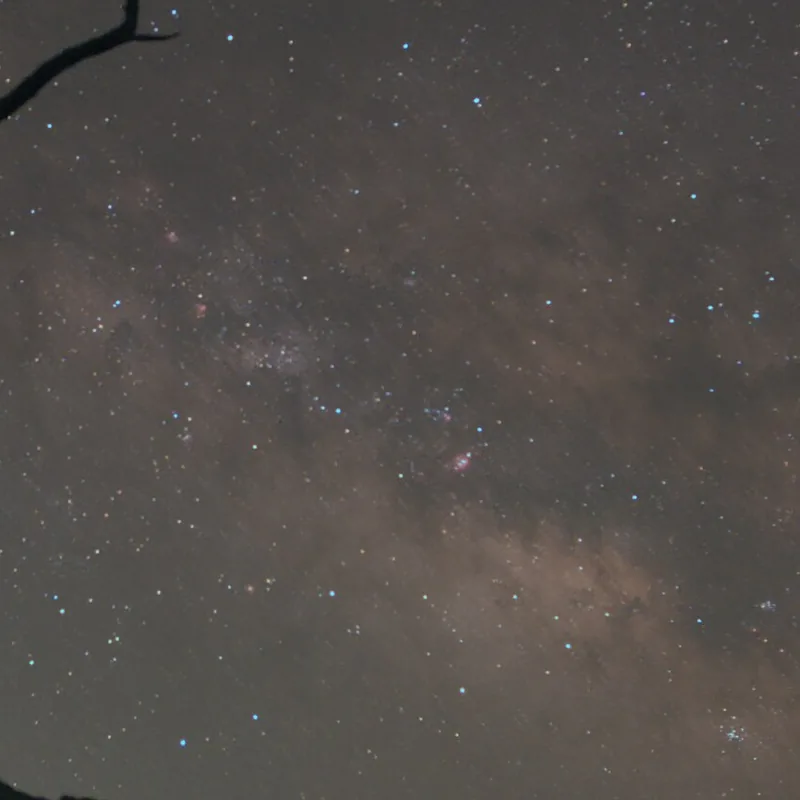
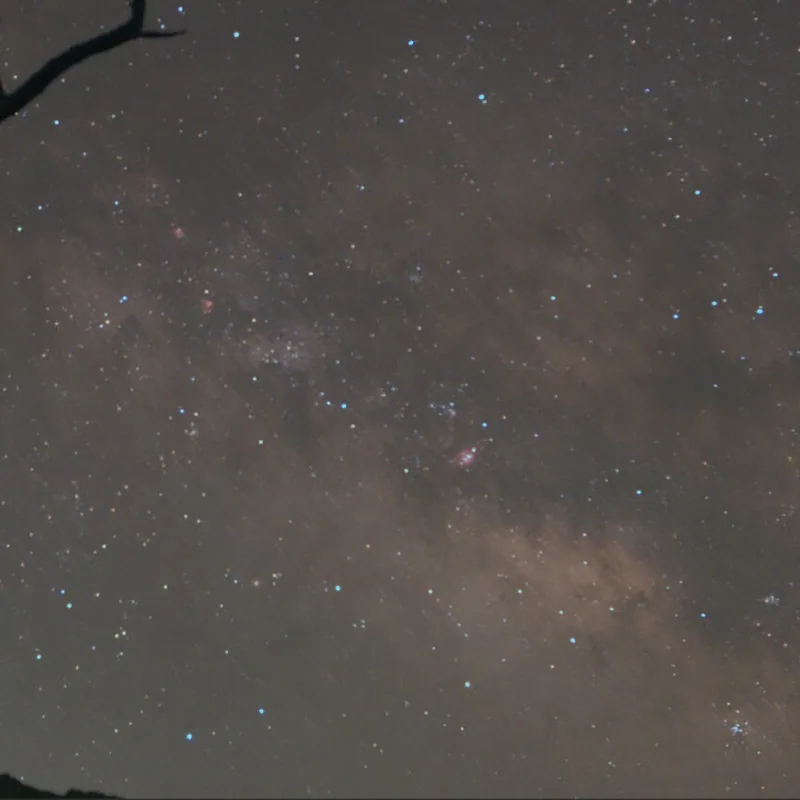
Capability comparison
| Capability | NightScape Lab | Starry Landscape Stacker |
|---|---|---|
| Landscape-optimized stacking (sharp sky + ground) | ✓ dual-stream | ✓ |
| One-click, nothing to learn | low learning curve | ✓ |
| Platforms | macOS, Windows & Linux | macOS only |
| Delivers a clean linear base image | ✓ linear ProPhoto | ROMM + premultiplied alpha |
| White balance behaves in Photoshop | ✓ | ✗ alpha breaks it |
| Finishing tools (White Balance, Defringe, star tools) | ✓ | ✗ |
| Foreground Sky Merge (color-matched) | ✓ | ✗ |
| Editable sky mask (paint + restack) | ✓ | ✗ |
| Lightroom Classic round-trip (auto-import to catalog) | ✓ | ✗ |
| Star trails included | ✓ five looks | ✗ |
| Photoshop panel | included extra | separate app |
| Price | $129 once | ~$40 once |
A stack you can keep editing
- ✓The right deliverable. A clean 16-bit linear ProPhoto base image, no hidden alpha channel, so every color and tone move in Photoshop behaves.
- ✓Stack and finish. White Balance, Defringe, the star tools, and the Foreground Sky Merge all run right after the stack, on the same base image, without exporting to another app. Star Trails (five looks) come in the same purchase.
- ✓macOS, Windows & Linux. SLS has always been Mac-only. The NightScape Lab app runs on macOS, Windows & Linux, so a platform switch doesn't strand your workflow. The Photoshop panel and Lightroom Classic plugin run on macOS & Windows.
- ✓Paint the mask, restack. Open the stack's Sky Mask in the app, paint Sky or Ground over the mistakes, click Restack with Edited Mask, and repeat as many times as you like.
- ✓An optional Lightroom round-trip. If your nights live in Lightroom Classic, the plugin can send a night's frames to the app; the stacked base image saves beside your RAWs and imports into your catalog automatically.
- ✓Comparable stack quality, deterministic. On one matched scene the two stacks were a tie with a small edge on star tightness, and the same input produces the identical output, byte for byte.
Honest questions
Is NightScape Lab better than SLS at stacking?
On raw stacking metrics from one matched scene (10 lights + 10 darks), it was essentially a tie: a small edge on star tightness. That's one frame set and the margins are modest, so I won't claim it out-stacks SLS universally. The real difference is what you get back: a clean linear base image you can finish in the app or in Photoshop, with a sky mask you can paint and restack, not a file with a premultiplied alpha channel.
Should I switch if SLS works for me?
If you love the one-click, stack-it-and-you're-done workflow, SLS is a great tool at a great price and you don't need NightScape Lab. NightScape Lab is for the photographer who wants to keep going: finish the base image and run Foreground Sky Merge in the app. With the Lightroom plugin, the result lives in your catalog from the moment it exists, plus star trails in the same purchase. And if you shoot on Windows, SLS was never an option; NightScape Lab is.
Can I still use both?
You can, though the file SLS exports carries the alpha issue described above. NightScape Lab is designed so the stack and the finish live on the same clean base image from the start.
Read also: The best astrophotography stacking software
$129at launch
- One-time purchase. No subscription.
- 30-day money-back guarantee. No trial.
- macOS, Windows & Linux.
- Lightroom Classic plugin and Photoshop panel included as extras, on macOS & Windows.
Get notified at launch
I'll email you when NightScape Lab can be bought, and not much else.