Built by a photographer who got tired of the round trips
I'm Eric Brown. I shoot the Milky Way, and for a long time getting one night of frames to a finished image meant bouncing between a stacker, a couple of other tools and Photoshop, exporting at every step. I got tired of that, so I built NightScape Lab. It handles the nightscape part (stacking, star trails, panoramas and merging the sky with the foreground), and then I finish the image in Photoshop or Lightroom the way I always have. It runs on macOS, Windows & Linux, and it's coming soon. If you knew it as Nightscape Stacker, it's the same app with a new name.
It used to take three apps to finish one image
A single good nightscape used to mean a stacker for the frames, a second tool for gradients and stars, and Photoshop to actually finish it, with a lossy export at every hop and the color quietly drifting along the way.
I shoot the Milky Way, and I still finish a lot of frames in Photoshop and Lightroom. I didn't want a one-click result I couldn't touch. I wanted to do the work myself, on data I trusted. So I built the desktop app I wished existed. A Lightroom Classic plugin and a Photoshop panel come with it, on macOS & Windows, where those apps run. One $129 purchase covers the app and both extras. 30-day money-back guarantee. No trial.
- ✓Fewer round trips. Stack a night of RAW frames, build star trails or a panorama, or merge the sky with the foreground, then take the base image into Photoshop or Lightroom to finish it. A Lightroom Classic plugin and a Photoshop panel are included.
- ✓Data you can trust. Every stack lands as a 16-bit linear ProPhoto base image, with nothing baked in to undo.
- ✓Local by default. The engine and every AI model run on your own machine; your images never leave your computer.
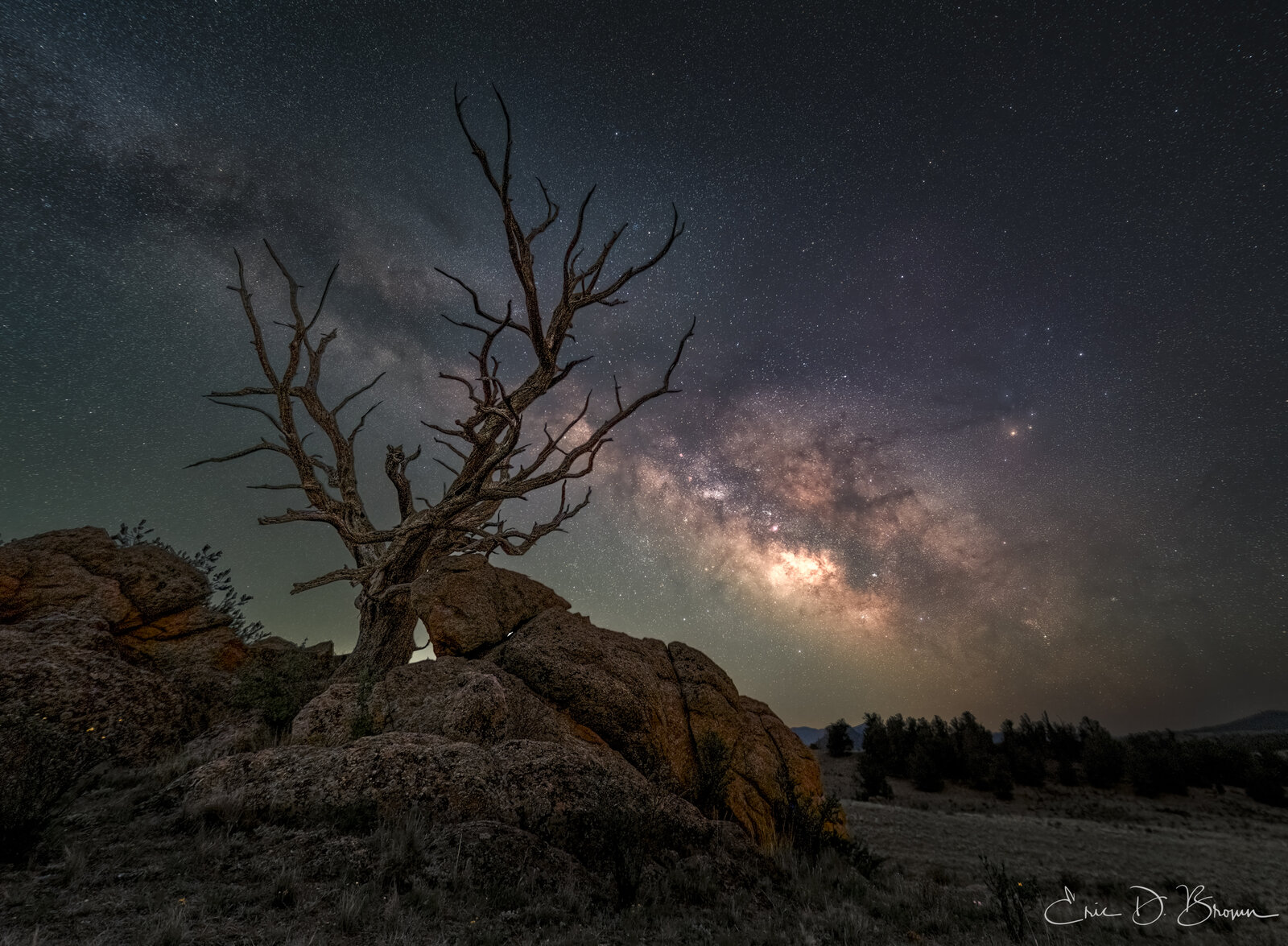
"I wanted to get from a night of frames to a clean base image without exporting through three other apps, and then finish it in Photoshop or Lightroom like I always have. So I built the app I wished existed."
Where Milky Way Planner fits
You'll see "presented by Milky Way Planner" at the bottom of these pages. Milky Way Planner is the other thing I make for night photographers, and putting its name here is me signing my work.
NightScape Lab is its own app, and you don't need one to use the other. Everything this app does is described on this site, and that's what I'm asking you to judge it on.
A clean base image, and control kept in your hands
The mission is small and specific: a clean base image, and the tools to finish it in the app. No exporting through three apps, no baked-in look, and no learning curve from another world.
Keep control
Results come back as new layers and documents on a linear base image. You decide the white balance, the curves, the grade. Nothing is finished for you behind the scenes.
A different audience
The one-click, "don't touch it" crowd is well served already, and those tools are good. NightScape Lab is for the photographer who wants to do the work in the app.
I don't overclaim
As good a stack, delivered as a 16-bit base image you can keep editing. On raw stacking metrics the margins are modest and I say so. The edge is the deliverable and the workflow, not a claim of out-resolving everyone.
My honesty ethos. I respect the competition, I cite one-scene numbers as one-scene numbers, and I lead with the workflow and the base image, not noise charts. If I can't demonstrate it, I don't claim it.
Coming soon.
If you want to stack and finish a nightscape in one desktop app, I'll email you when it's ready. $129 once. 30-day money-back guarantee. No trial.