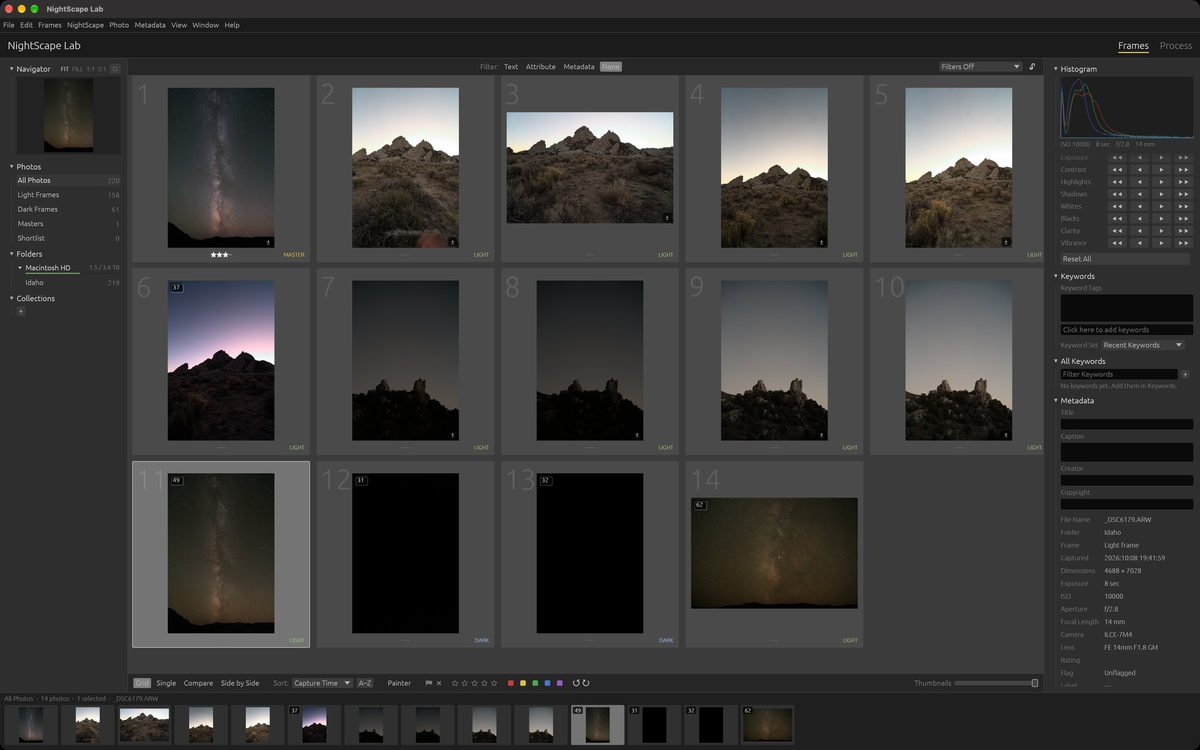
Most of the arguments about stacking software are about noise numbers. I think the more important question is quieter: what kind of file does the tool hand back to you? Because that file decides how much control you actually keep.
What "scene-linear" means
Your sensor records light more or less linearly: double the photons, double the value. That raw, scene-referred relationship is the most honest form of the data. Every color and tone decision you'll eventually make is easier and more predictable when the math underneath is still linear, because the numbers still mean what the camera measured. A linear base image is just that: the stacked signal, kept in the state the science wants it in, before anyone has decided what it should look like.
Why ProPhoto, and 16-bit
Nightscapes hold saturated star cores and deep, subtle shadow gradients at the same time. A wide working space like ProPhoto has room for those colors without clipping them, and 16 bits gives you the tonal headroom to lift shadows without banding. NightScape Lab delivers its base image as a 16-bit linear ProPhoto document so color stays honest through every edit.
Baked-in color is hard to undo
A one-click tool that hands you a finished-looking file has already made choices for you: a white balance, a contrast curve, a look. That's genuinely convenient if you never want to touch it. But those choices are compressed into the pixels. Trying to unwind a baked contrast curve or a global white-balance shift after the fact means fighting the file, pushing sliders against decisions that are no longer separable from the data. You feel it as color that won't neutralize and shadows that fall apart when you lift them.
A concrete example: white balance
This isn't hypothetical. A stacked file delivered in ROMM with a premultiplied (associated) alpha channel will break white balance in Photoshop. Your adjustments stop behaving the way they should, because the fourth channel and the color space aren't what Photoshop expects. The desktop app works on a clean 3-channel linear ProPhoto base image, so white balance behaves like white balance. If you finish in Photoshop, the Photoshop panel (an included extra) hands it that same file. Same scene, completely different editing experience, and it comes down to the deliverable, not "who saw more detail."
How NightScape Lab keeps it honest
The app starts from that base image. White Balance runs in floating point on scene-linear data, so it neutralizes casts without crushing star color. When Foreground Sky Merge combines a foreground and a sky, both plates stay linear scene-referred, so the color match is a real colorimetric transform on the mid-tones, and stars and blacks survive. None of that works if the color and contrast were decided upstream and pressed into the file.
The point isn't purity, it's control
You'll still add your look. A linear base image isn't the finished image; it's the starting point that keeps every later decision reversible and predictable. That's the difference between finishing an image and negotiating with one. If you like doing the work yourself, that control is the whole reason to care what your stacker hands back.
The short version: a clean linear base image means nothing is baked in to undo. Correct color, reversible steps, and a file that stays editable: that's what NightScape Lab is built to protect.